
github.com/valchx/scour Creating a file explorer using Zig, Clay and Raylib.
(I wrote this as I coded, so don’t mind the present and past tense mixed)
I always wanted to get a better handle on UIs built with lower level technologies. At work I am a full stack developer, so I mainly use some flavor of JavaScript for the front end, which is great for this purpose. But what about creating a button from scratch ? What about creating a text input ? How hard would it be ?
So I chose to create a simple file explorer in Zig.
Goals :
- Learning through creating a simple file explorer.
- Making it as portable as possible.
- Having some cool features (preview, fuzzyfind, context menu…)
- It has to be simple & fast.
- Getting used to Zig.
Setup
The setup was fast. I used the johan0A/clay-zig-bindings examples to get a good first setup.
First hurdle
I had an issue where when I would change directory, it would send a segfault while rendering. I took a bit of time to understand that the problem was a “use after free” issue where the renderer would try to display entries (files or directories) while I was replacing the list with the new one. The fix I chose was to have a temporary buffer of “next entries” that I would swap after the render was done.
pub fn computeEntries(self: *Self) void {
    if (self.next_entries) |next_entries| {
        self.deinitEntries();
        self.*.entries = next_entries;
        self.*.next_entries = null;
    }
}
Scroll bar
I now have to implement the scrollbar for the entry list. This is what the explorer currently looks like.
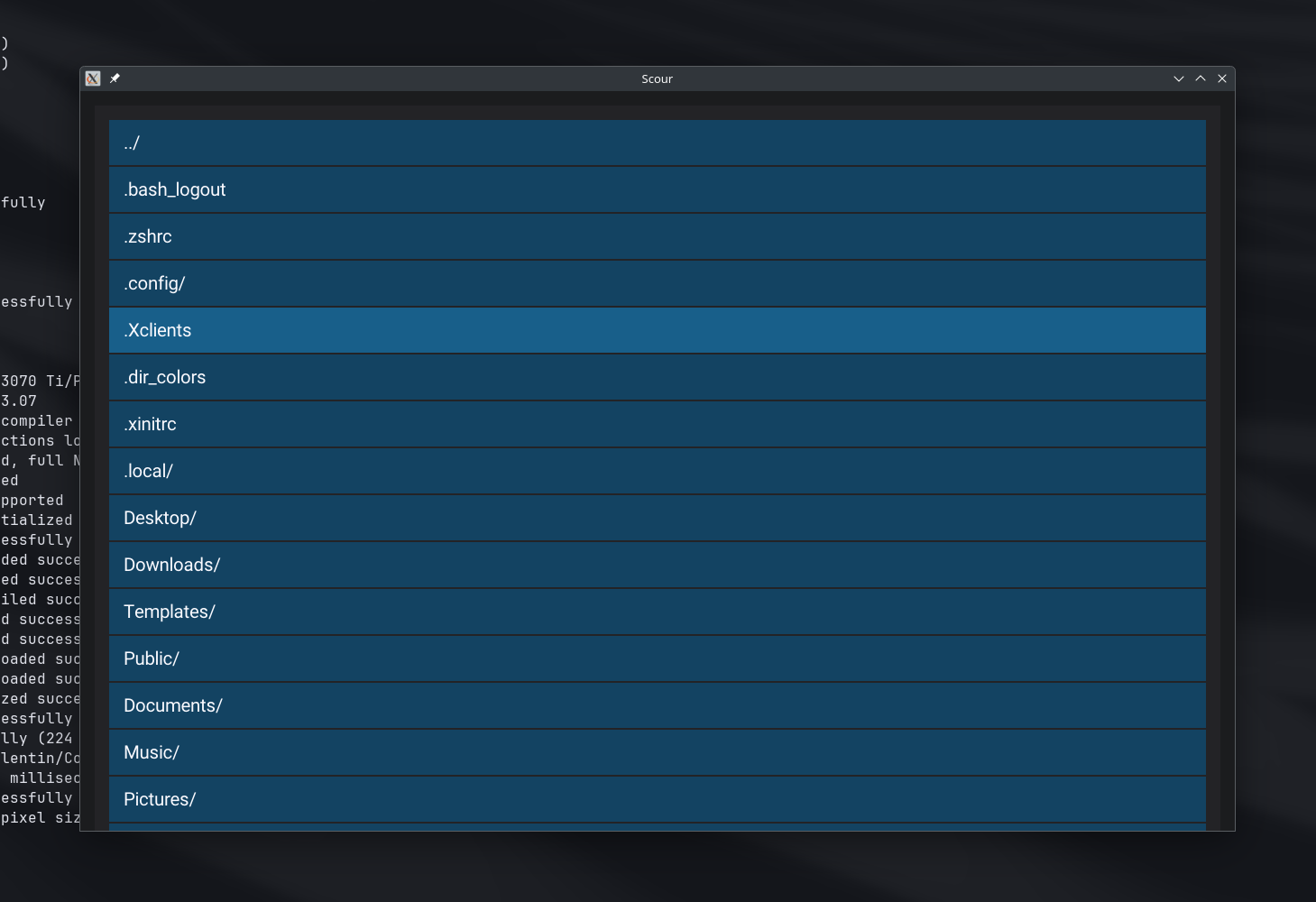
When I navigate to a large directory, the list overflows and goes out of the window. Luckily, clay provides some handy functions to handle scrolling. The only real work I have to do is to create a scroll bar that sizes and moves with the scroll position, container & content size.
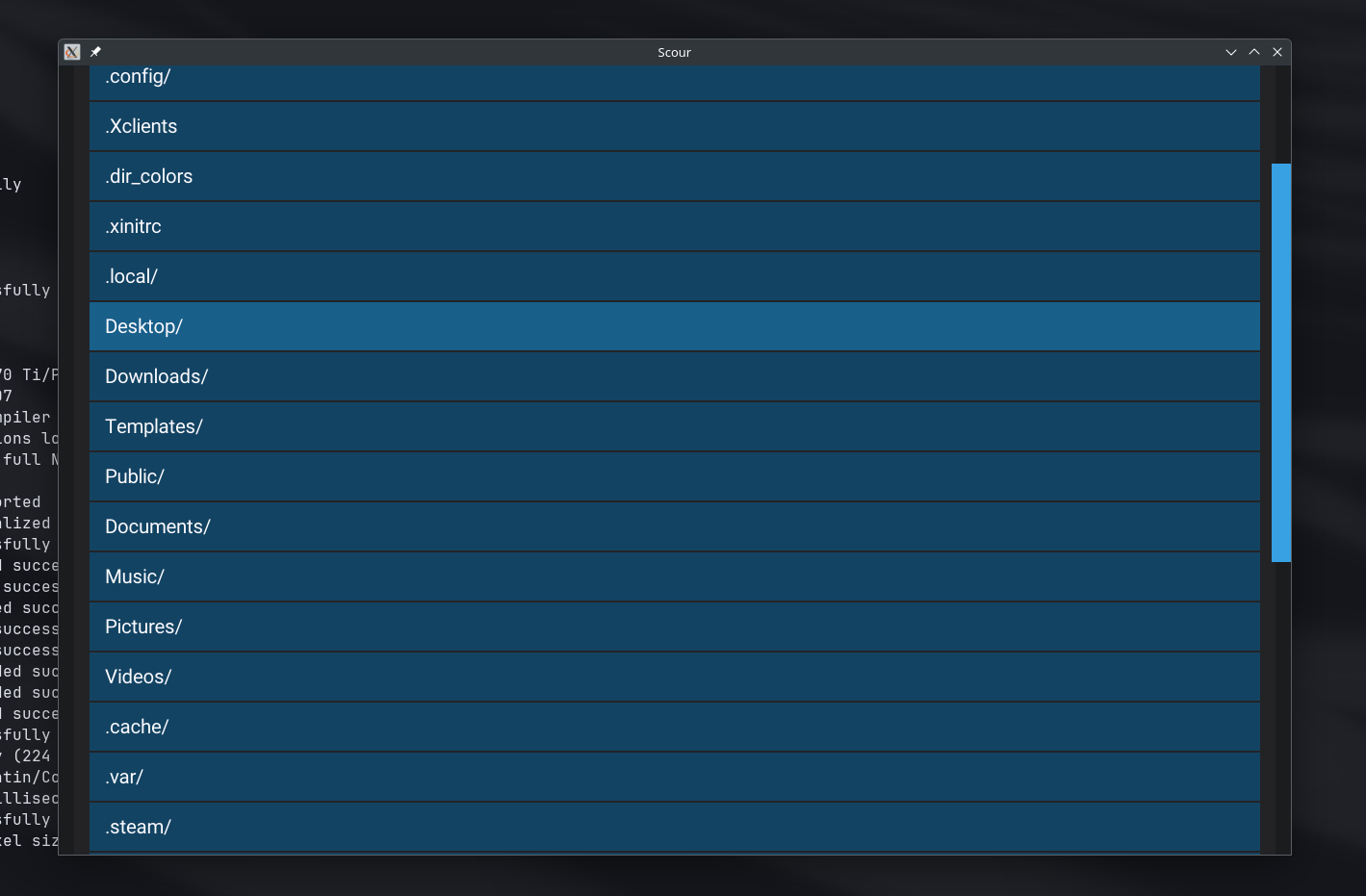
Great, so now I have a bar that moves as I scroll my mouse, but I’d also like to be able to move it with my mouse cursor. In order to go faster on huge directories. (I put this on standby).
Navigation
Clicking items in the list
As mentioned before, when I double-click on a item in the list, and this entry is a directory, we move to this directory.
For this I had to keep track of the last time the entry was clicked and then compare on a later click. If the difference is lower than an arbitrary value (200ms for my case), then a “double-click” is registered.
    if (self.last_click_time) |last_click_time| {
        const double_click_time = std.time.milliTimestamp() - last_click_time;
        if (double_click_time < max_double_click_time_ms) {
            try self.onDoubleClick();
            return;
        }
    }
I do not handle weird edge cases, where a user would click a first entry, then another one, then back again to the first within the max_double_click_time_ms.
I tried to look if there was a standard or a way to get this max delta from the OS or the DE, but I found nothing, so I picked 200 ms as a good time. Not too fast, not too slow.
CWD path
I needed to preview the current working directory and to be able to edit it. So I needed to create a text input. Meaning listening to key presses to add and remove characters, move the text cursor with the arrow keys.
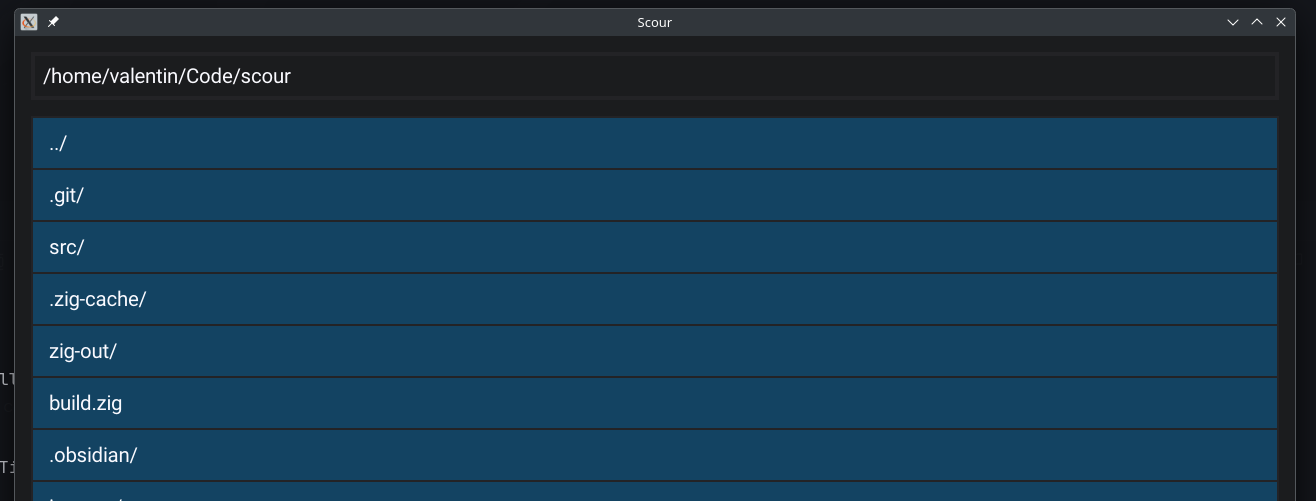
I created a text input component that would have a focused mode where it would listen for characters. At first I tried to get the characters from the key-codes that were pressed. But learned quickly that this was not as simple as I thought.
If I were to handle only English characters, the space key, dots, commas and some few other characters, I could have done it with enough time. But as it were, I have to handle a lot of characters, so I opted to use RayLib’s getCharPressed that gives me UTF-8 characters. What a godsend!
But I still had to handle backspace and the arrow keys. By then, this was a trivial task.
Going up
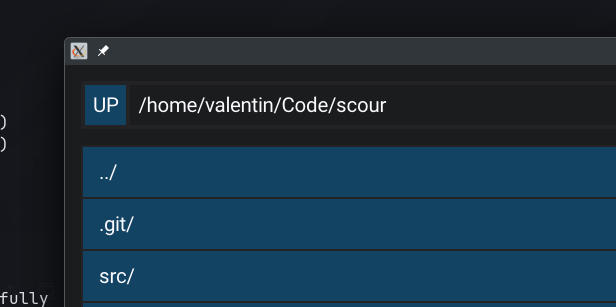
Moving to the parent directory is already possible through the .. entry, but I thought a “UP” button was more appropriate and would stay at the top of the window irrespective of the scroll on the entries list.
The path stack
A back button is also nice to have, it can help with undoing wrong a navigation. For this, a simple stack of navigated paths will suffice. The CWD is now the last item in this stack. and to move to the previous one, I just need to remove the last element. Pressing the “BACK” button will do just that.
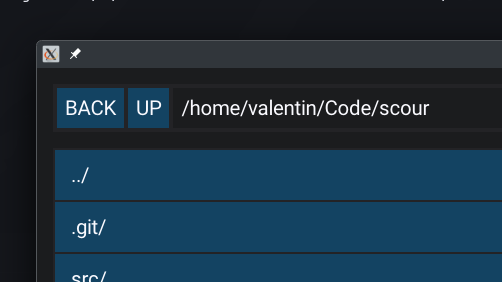
I also took the time to clean up the button module and create a click_handler.zig comptime struct that will help me with anything clickable. The same logic will apply to other event driven components (text inputs, “draggables”) or anything that can be extended.
// click_handler.zig
const Self = @This();

ptr: *anyopaque,
vtable: VTable,

pub const VTable = struct {
    handleClickFn: *const fn (ptr: *anyopaque) anyerror!void,
};

pub fn handleClick(self: Self) anyerror!void {
    try self.vtable.handleClickFn(self.ptr);
}
Yes, it’s basically just a closure.
Opening files
After a quick search, I found that using xdg-open was a common way of opening files with the configured preferred applications on Linux (and Mac, apparently). And it worked on my machine. So it’s what I used.
fn onDoubleClick(self: *Self) !void {
    switch (self.kind) {
        .directory => {
            try self.entryList.changeDir(self.full_path);
        },
        .file => {
            self.*.selected = false;
            switch (builtin.os.tag) {
                .linux, .macos => {
                    var process = std.process.Child.init(
                        &[_][]const u8{
                            "xdg-open",
                            self.full_path,
                        },
                        self._allocator,
                    );
                    process.spawn() catch |err| {
                        std.debug.print("Failed to spawn process: {}\n", .{err});
                        return err;
                    };
                },
                else => {},
            }
        },
        else => {},
    }
}
Yes, for now (and until I have to use another OS), we can only open files on Linux. I found that on windows I need to use the Win32 API to do the same. But since I can’t test it, I opted not to implement it for now. If you are willing, maybe just to learn and practice, you can send me a PR with the windows version. I will gladly accept it.
What’s next ?
- Context menu
- Copy
- Paste
- Delete
- Preview files
- Drag & Drop
- Search
- Revamp the UI (file stats, columns, sorting…)